Build Real Worlds in Virtual Reality
Unity VR game development, technical tutorials, and real-world tech projects — from headsets to horsepower.
Explore Projects →Latest post
The walking of birds

If you’ve ever spent any amount of time looking at pigeons, you’ll know exactly what birdwalking is. It’s when you intend to go one place, but you end up somewhere else.
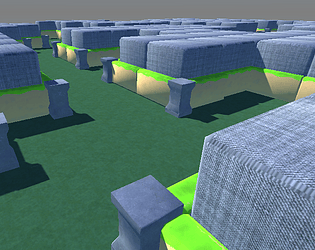
Over the course of this weekend, I’ve worked on seven different “projects”. I certainly didn’t intend to. You see, I’m working on rebuilding a Unity VR game that I accidentally deleted. It’s actually turned out to be a good thing.
Claude helped me start from near-scratch, and I’ve just been blown away by how good it is. I tried gamedev with AI about a year ago, and it was ok, but now it’s smooth as butter.
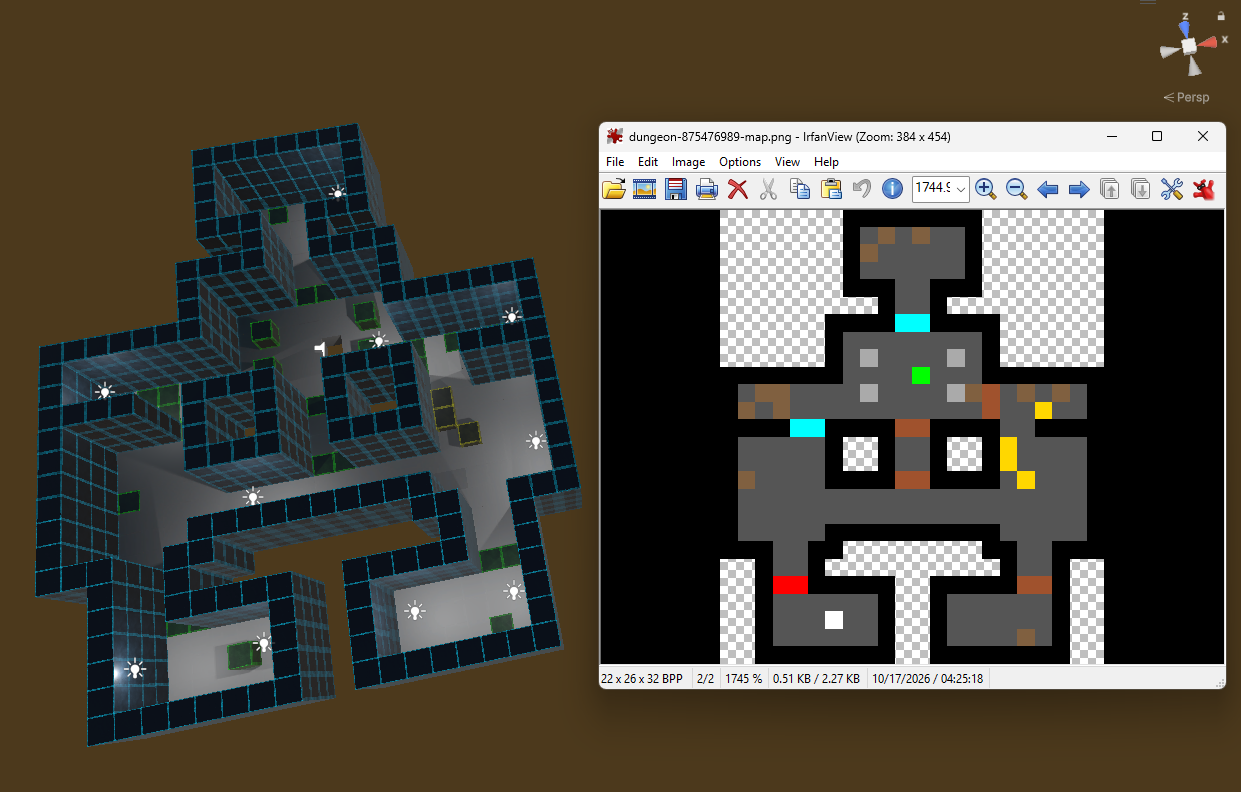
While working on the game, I needed to make maps, so I had Claude make a tool to simplify that; the Pixel-based Map Generator. It works so good, I decided to pop that bish up on itch.io. That tool takes 2D pixel art and turns it into 3D maps. I still needed the 2D pixel art, so I had Claude make a thing that makes the thing, and that too was great!
I was so jazzed about it all, that I posted a video about it on my Youtube channel, which I haven’t done in a while.
Then I got back to work on my game. Having Claude make tools for spawning enemies a certain way. I had it look through my graveyard of projects for any scripts I might want to reuse. That eventually turned into a “Common Scripts” package that I can just import into any project.
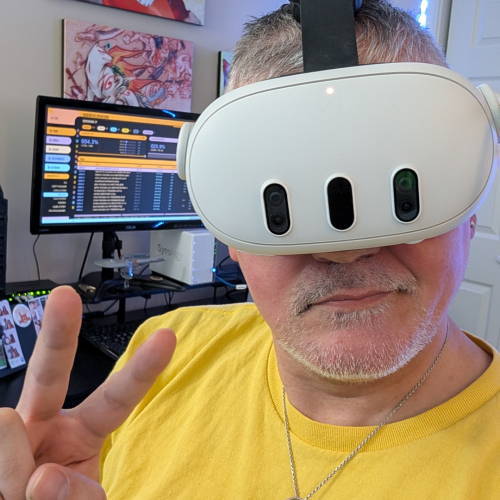
I was having Claude troubleshoot an issue I was encountering on the headset, and while I waited I noticed how quiet it was. Nobody else was home and I wasn’t playing any music, so I had the paradox of choice trying to figure out what music to play.
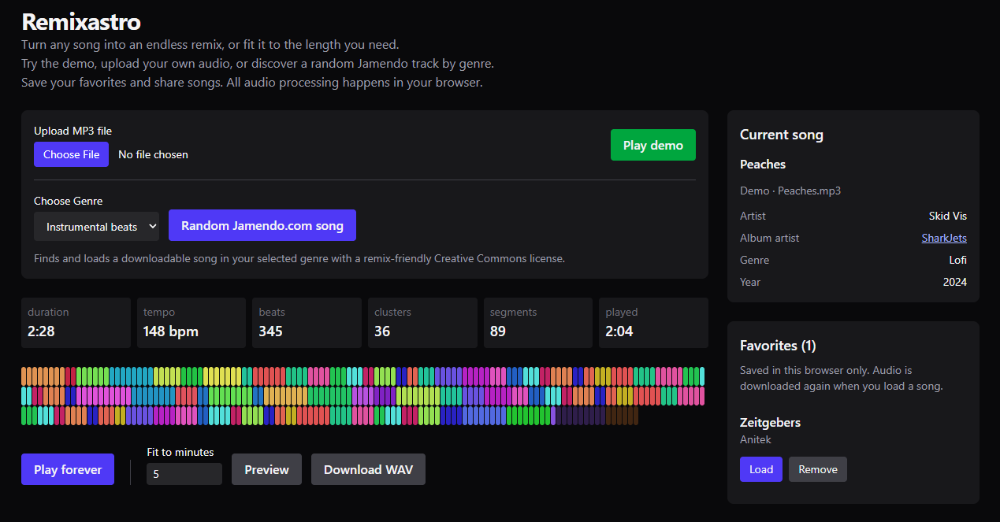
When I make Youtube videos, I have to find background music to play there, and I remembered that, which reminded me of a tool I used to use called Remixatron.
It’s a python tool that lets you feed it an mp3, tell it how long you want it to be, and it remixes it into a new song of the specified length. Remixatron itself was inspired by a website called “The Infinite Jukebox”, where similarly you could upload a file to have it play forever. That site is gone, and Remixatron is kind of a pain to work with, so once again I turned to Claude.
I like to use Astro, Vue, and Tailwind to make websites, so I asked..
Hey Claude, can we even remake this in Astro??
To my surprise, we could and we did! So that turned into Remixastro. It too, works so well. Using that reminded me that I was having music trouble on one of my game’s levels.
On one level only, the background music was not looping. Now, some things irk me. Noticing when a background song loops is one of them, and the songs I’m using aren’t made to loop. Wait a second, I just made something that makes songs last forever!
Claude, baby, you know that thing you just did with javascript? Can we do that in C# for Unity??

Claude was all like, “Hold my beer,” and quicker than I could pick my jaw off the floor, we had that working too.
For the birds
You see? Birdwalking. AI lets you move at the speed of thought. I did so many things in just two days.
Here’s the thing though, I’m in a flow state. I know AI is coming for my job; that’s a very real fear. But I also know that not everyone knows how to use AI well, if at all. That’s a muscle I’m building. I’m finding faster and better ways to amplify my thoughts.
That’s the real skill and, unlike a bench press, I’m having fun doing it.
Featured Projects
Unity VR, tools, and real-world tech

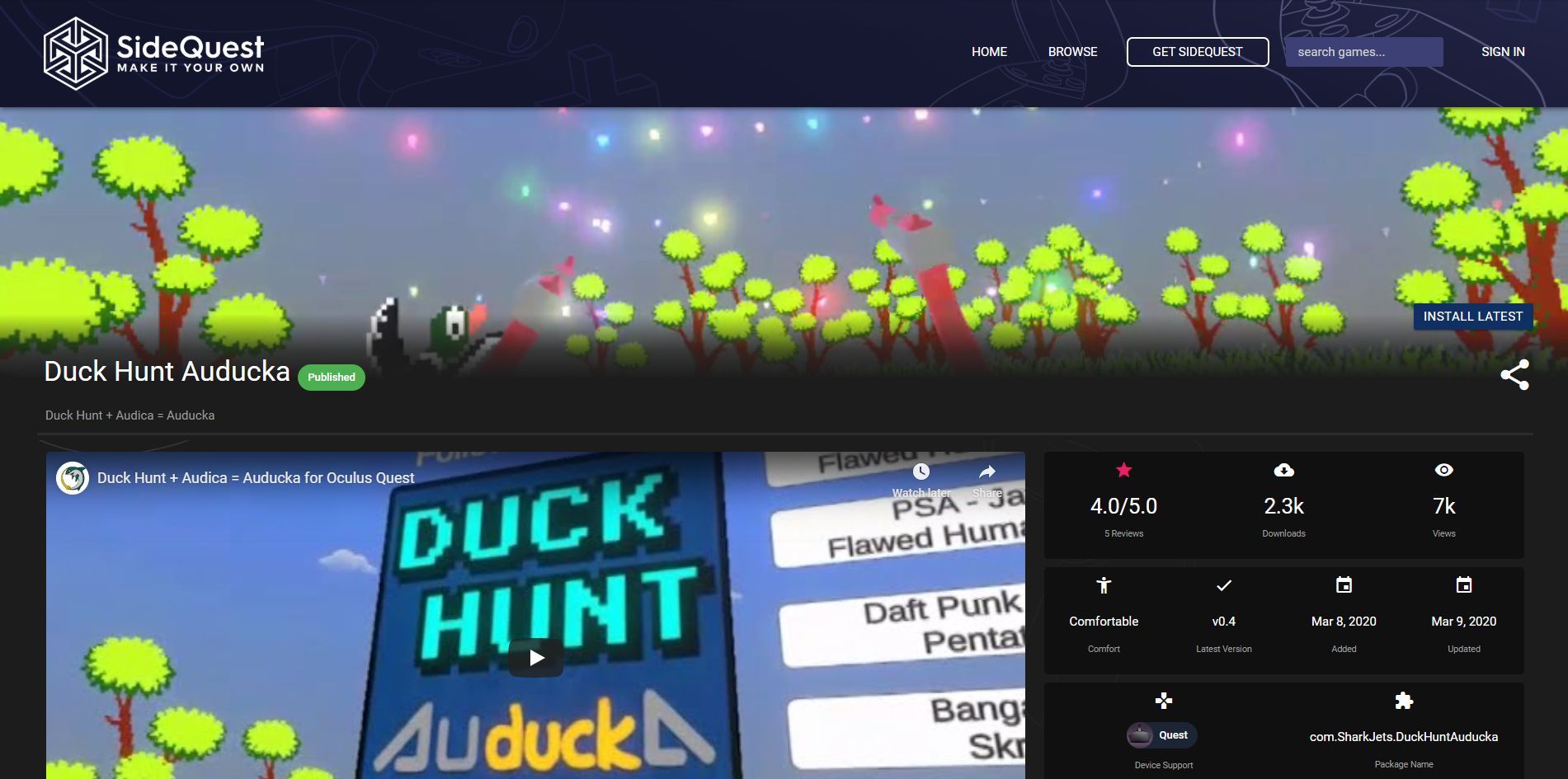
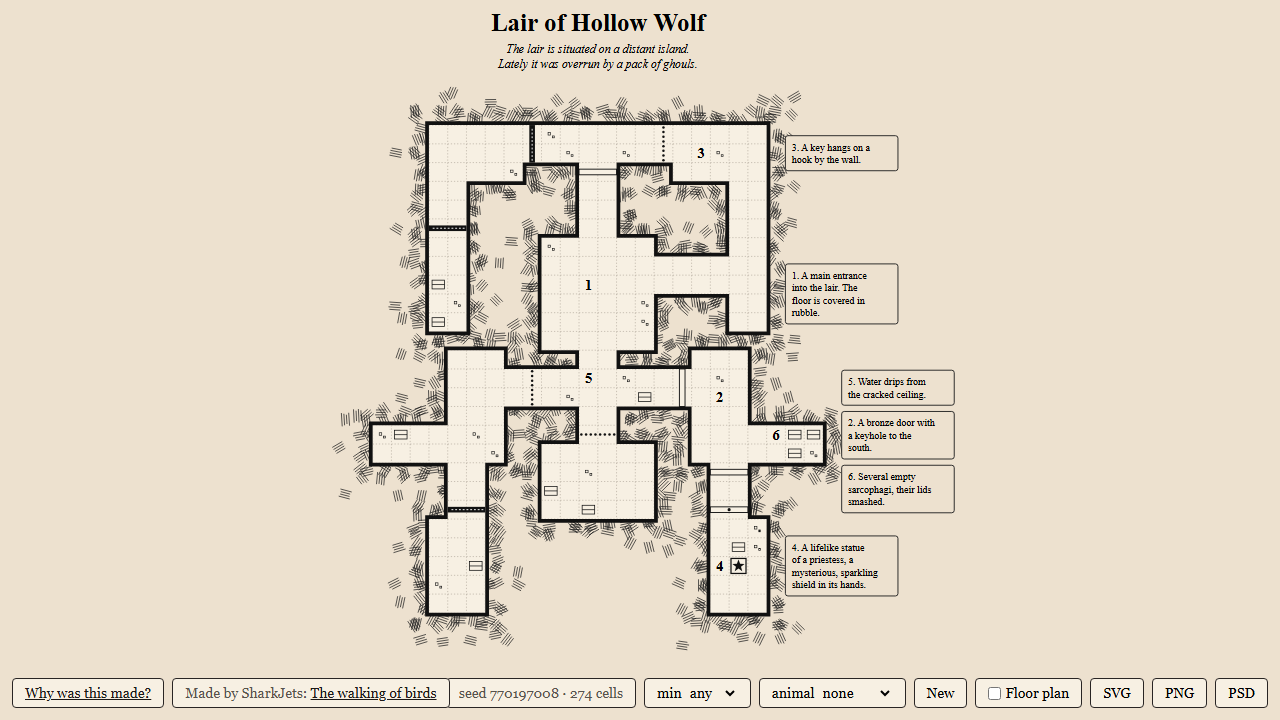
Latest Articles & Tutorials
Development notes, guides, and behind the scenes
- The walking of birdsOne weekend rebuilding a Unity VR game with Claude turned into many projects: a pixel map generator, Remixastro, a Common Scripts package, and an endless-music port for Unity.
- Pixels to DungeonsI ditched Houdini and had Claude build me a pixel-art-to-3D map tool for Unity, then a dungeon generator to feed it. Making game maps has never been easier.
- Bring Out Your DeadI lost the source code to my old VR game DemBows. With just two APKs and Claude, I had it restored and running again in three hours.
On itch.io
Games and assets from skidvis.itch.io
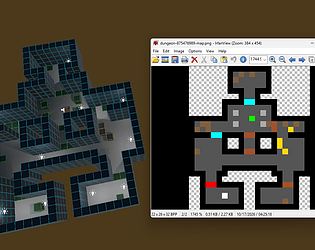
Pixel-based Map Generator
Turn pixel art into Unity levels: map each color to a prefab and generate the whole map in one click.
View on itch.io